

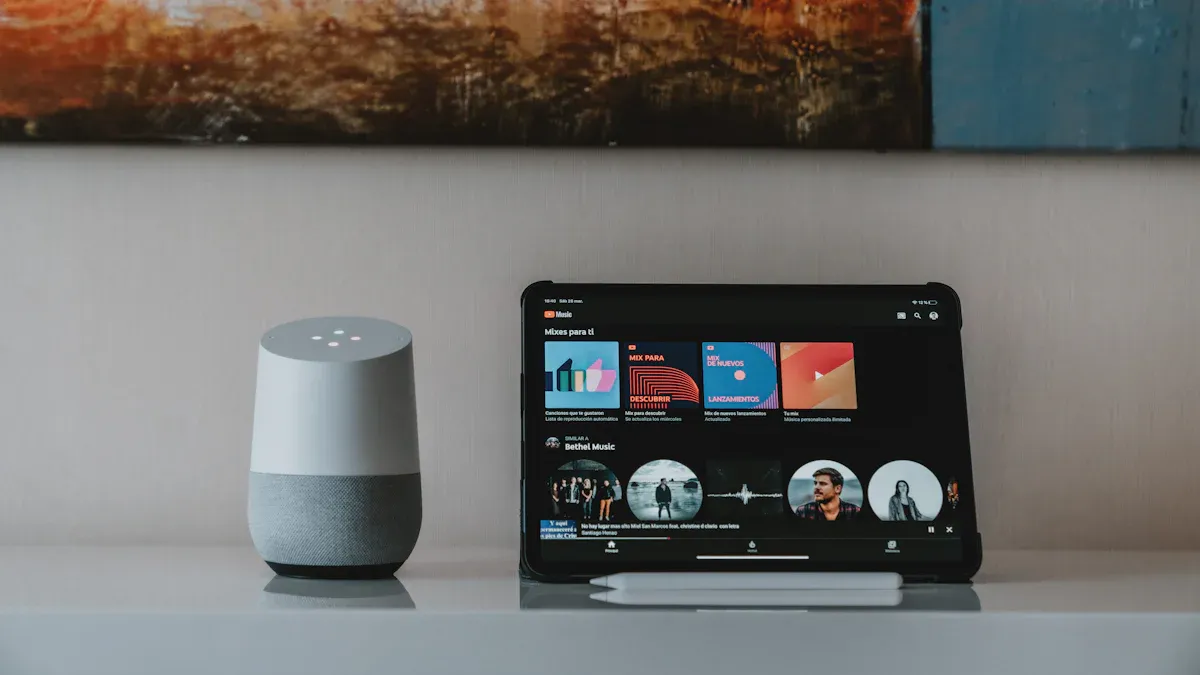
Imagine coming home to a place that knows your preferences, adjusts the lights to your liking, and even plays your favorite music. That’s the magic of a smart home system! Nearly 50% of American households enjoy the convenience of at least one smart device. With smart home technology, you can streamline daily tasks, enhance security, and save energy.
Here are some benefits of smart home systems:
Convenience: 60% of users find their devices more convenient than expected.
Energy Efficiency: Smart tech helps you make better energy choices.
Improved Security: Many feel safer with smart security systems in place.
Planning your setup and choosing the right devices will make all the difference in creating your ideal smart home.
Key Takeaways
Assess your needs before choosing smart devices. Identify what you want to achieve, like security or energy efficiency.
Select devices that are compatible with your existing technology. This ensures seamless communication and functionality.
Plan your smart home layout carefully. A well-thought-out design maximizes device coverage and enhances user experience.
Prioritize security by changing default passwords and regularly updating device firmware. Protect your network from potential threats.
Create automation routines to enhance convenience. Set triggers for devices to work together, making your home more responsive.
Select Devices for Your Smart Home

Assess Your Needs
Before diving into the world of smart home devices, take a moment to assess your needs. Think about what you want to achieve with your smart home system. Do you want to enhance security, improve energy efficiency, or simply add convenience to your daily routine? Understanding your priorities will help you choose the right devices.
Consider the following factors when selecting smart home devices:
Factor | Description |
|---|---|
Compatibility | Ensure the smart hub works with existing devices in your home. |
Wireless Connectivity | Check the types of wireless connections supported (e.g., Wi-Fi, Zigbee, Z-Wave). |
User-Friendly Interface | Look for devices that are easy to set up and use, enhancing the overall user experience. |
Security Features | Evaluate the security measures in place to protect your smart home network. |
Scalability | Consider whether the system can expand to accommodate additional devices in the future. |
By keeping these factors in mind, you can create a smart home that fits your lifestyle perfectly.
Popular Smart Devices
Now that you’ve assessed your needs, let’s explore some popular smart home devices that can serve as the foundation of your setup. Here are a few essentials that many experts recommend:
Voice-Activated Assistants: Devices like Amazon Alexa and Google Assistant act as central hubs for your smart home. They make controlling your devices easy and accessible.
Smart Security Systems: Modern systems offer advanced features like real-time alerts and integration with emergency services, ensuring your home stays safe.
Energy-Efficient Devices: Smart thermostats and lighting can help you save on energy bills while keeping your home comfortable.
Health and Wellness Technology: Devices that monitor health metrics are becoming increasingly popular, reflecting a trend towards wellness in home automation.
AI and Machine Learning: Some systems can anticipate your needs, making your smart home even more intuitive.
As you explore these options, remember that the integration of smart home devices is crucial for enhancing your experience. Compatibility among devices allows for seamless communication and functionality, making your life easier. Research shows that when devices work well together, users feel more satisfied with their smart home environments.
Establish your budget before making any purchases. The average American spent around $1,200 on smart home devices in 2022. DIY systems can range from $250 to over $10,000, while professional installations can cost between $8,000 and $25,000. Knowing your budget will help you make informed decisions as you build your smart home.
Plan Your Smart Home Setup
Mapping Your Space
Before you start placing devices, take a moment to map out your space. A well-thought-out layout can make a big difference in your smart home setup. Start by identifying areas where you want to install devices. Consider high-traffic zones like the living room, kitchen, and entryway.
Here are some tips to help you with mapping:
Draw a Floor Plan: Sketch your home layout. Mark where you want to place devices like smart lights, cameras, and speakers.
Identify Power Sources: Ensure that outlets are available for devices that need to be plugged in.
Consider Wi-Fi Coverage: A strong Wi-Fi network is essential for your smart home. Weak signals can lead to slow performance and connectivity issues.
Device Placement Tips
Once you have a plan, it’s time to think about where to place your devices. Proper placement maximizes coverage and functionality. Here are some effective tips:
Strategic Router Placement: Position your router in a central location to enhance Wi-Fi coverage throughout your home.
Use Mesh Wi-Fi Systems: If your home has dead zones, consider implementing a mesh Wi-Fi system. This helps ensure strong signals in every corner.
Establish Device-Specific Zones: Group devices by area. For example, keep all living room devices together to improve management and control.
Utilize Voice Assistants: Leverage voice assistants for easy control and automation of multiple devices. They can help you manage your smart home effortlessly.
By planning your smart home setup carefully, you’ll create a more efficient and enjoyable living environment. Remember, a strong Wi-Fi signal is crucial for maintaining connectivity and maximizing the functionality of your smart home technologies.
Install Your Smart Home Devices
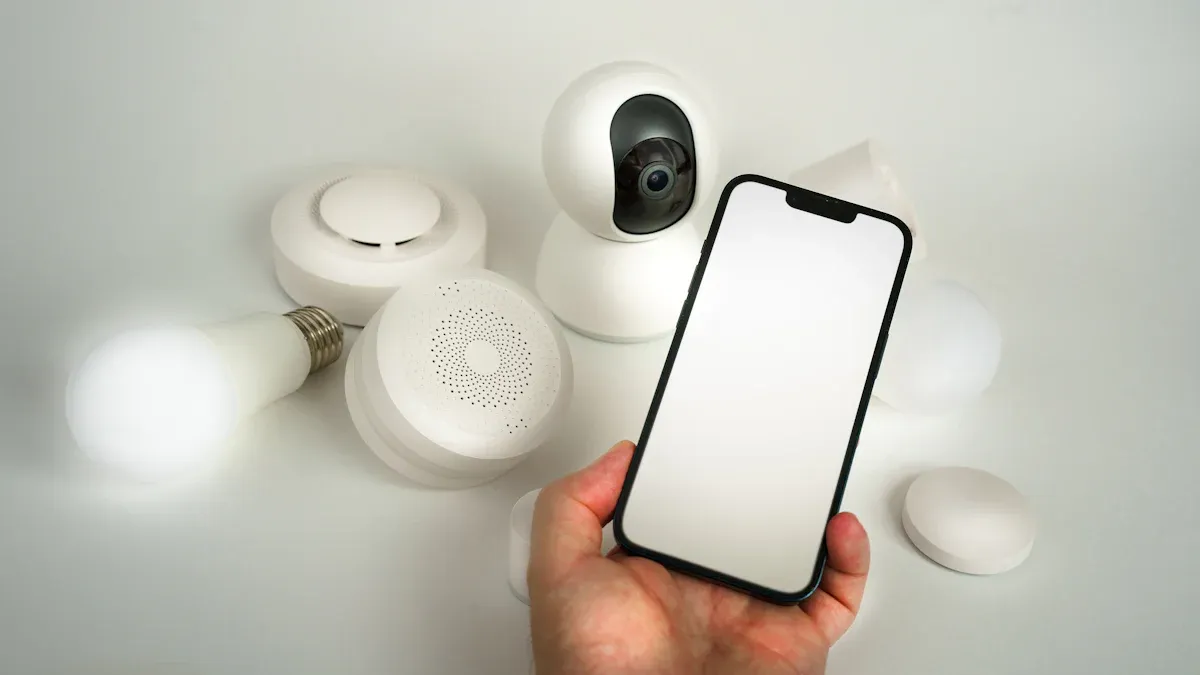
Preparation Steps
Before you start the installation of your smart home devices, you need to prepare your home properly. Here are some essential steps to follow:
Assess your current electrical system: Check if your wiring can handle the new devices. You might need upgrades.
Make a list of your smart home goals: This will guide your wiring needs and help you stay focused.
Plan for future-proofing: Consider running extra cables during the initial wiring. This way, you can easily add devices later.
Consider room-specific wiring needs: Areas like the living room, kitchen, and home office may require special attention.
Ensure safety: Always turn off power and use a voltage tester before starting any wiring work.
Know when to call professionals: If you encounter complex installations or upgrades, don’t hesitate to seek help.
Taking these steps will set you up for a smoother installation process.
Installation Process
Now that you’re prepared, let’s dive into the installation process. Here’s how to get started:
Follow the manufacturer’s instructions: Each device comes with specific guidelines. Make sure to read them carefully.
Use the right tools: Gather tools like screwdrivers, pliers, and a drill. Having everything ready will save you time.
Connect devices to power: For wired devices, ensure you connect them to the appropriate power sources. For wireless devices, make sure they are within range of your Wi-Fi.
Download necessary apps: Many smart home devices require apps for setup. Download these on your smartphone or tablet.
Pair devices with your hub: Follow the app instructions to connect your devices to your smart home hub. This step is crucial for automation.
Test functionality: Once everything is connected, test each device to ensure it works as expected.
Remember, safety is key during installation. Research your devices before buying. Look for options that allow you to disable unnecessary features and update software. Change default usernames and passwords to safeguard your devices. Secure your network by changing your router’s default password and using encryption.
By following these steps, you’ll have your smart home devices installed and ready to enhance your living space!
Connect Your Smart Home System
Setting Up the Hub
Setting up your smart home hub is a crucial step in creating a connected environment. This hub acts as the brain of your smart home system, allowing you to control all your devices from one central location. Here’s how to get started:
Pick the Right Spot: Position your hub centrally in your home. Keep it away from metal objects and electronics that might cause interference. For the best results, place the hub at least 3 feet above the ground and within range of your Wi-Fi router.
Connect the Hub: Start with a wired Ethernet connection for better stability. Most hubs require a power source, an Ethernet cable connected to your router, and a smartphone with the hub’s companion app installed.
Set Up the App: Download the official app for your hub and create an account. Follow the app’s setup instructions and complete any firmware updates. This ensures your hub runs smoothly and has the latest features.
Here’s a quick overview of some popular smart home hubs and their compatibility features:
Smart Home Hub | Overview | Compatibility Features |
|---|---|---|
Amazon Alexa | Integrated into Echo devices, known for voice control. | Supports Zigbee and Wi-Fi, compatible with many devices. |
Google Home | Powered by Google Assistant, offers voice control and automation. | Supports Wi-Fi, Zigbee, ensuring wide device compatibility. |
Apple HomeKit | Integrates with Apple’s ecosystem, managed through iOS and Siri. | Supports Wi-Fi and Bluetooth, compatible with various devices. |
Samsung SmartThings | Versatile hub connecting devices from various manufacturers. | Supports Zigbee and Z-Wave, enhancing device compatibility. |
Hubitat | Cloud-free solution, excels in compatibility with various protocols. | Supports Zigbee, Z-Wave, and Wi-Fi, offering great flexibility. |
Pairing Devices
Once your hub is set up, it’s time to pair your devices. This process connects your smart devices to the hub, allowing for automation and remote monitoring. Here’s how to do it effectively:
Google Home: Open the app, tap + > Set up device > Works with Google. Search for your thermostat brand and add it. Sign in to your thermostat account to link with Google Home. For smart cameras, tap Devices > Add > Google Nest or partner device, scan the QR code, and follow prompts to connect.
SmartThings: Open the SmartThings app, tap Devices > + > Add device. Choose “Scan nearby” for automatic discovery or select it manually. Put the device in pairing mode and follow the app instructions to complete setup.
Wi-Fi Optimization: Ensure your router is centrally located and updated. Use dual-band for optimal performance. A strong Wi-Fi signal is essential for maintaining connectivity and maximizing the functionality of your smart home devices.
When pairing devices, remember that the complexity of the device can affect automation capabilities. Basic devices may only require simple communication, while more advanced devices need robust APIs for full functionality. The openness and documentation of these APIs significantly influence how well your devices work together.
By following these steps, you’ll create a seamless smart home experience that enhances your daily life.
Automation & Security
Creating Routines
Creating automation routines can transform your smart home experience. These routines allow your devices to work together seamlessly, enhancing convenience and energy efficiency. Here are some effective strategies to consider:
Design Scenarios: Think about daily activities. For instance, set up automated lighting schedules that turn on when you arrive home or adjust the thermostat based on occupancy.
Use Triggers: You can create routines triggered by specific conditions, like the time of day or when a sensor detects motion. This makes your home feel more responsive to your needs.
Test and Refine: After setting up your routines, test them out. Make adjustments based on how well they work. Gathering feedback helps you improve the automation over time.
“Key for me was setting clear triggers and limiting overlap. I also started naming my automations properly like ‘Morning Wake Up Flow’ instead of ‘Test automation 42’.”
Smart home technology can significantly reduce energy waste. For example, a smart thermostat learns your heating and cooling preferences, ensuring energy is conserved when no one’s home. This not only leads to cost savings but also promotes a more eco-friendly living environment.
Network Security Tips
While enjoying the benefits of a smart home, you must prioritize security. A secure network protects your devices from potential threats. Here are some best practices to keep your home safe:
Change default credentials during setup to ensure strong, unique passwords.
Regularly update device firmware to protect against vulnerabilities.
Secure your Wi-Fi network with strong encryption and a robust password.
Disable unnecessary features on IoT devices to minimize security risks.
Monitor your devices to identify and block malicious traffic.
Common security risks include device hijacking and data theft. By following these tips, you can enhance your home protection and enjoy peace of mind. Remember, a well-secured smart home not only keeps your devices safe but also protects your personal information.
Setting up your smart home system can be an exciting journey! Here’s a quick recap of the key steps to get you started:
Choose your smart assistant to connect your devices.
Design your smart home layout and ensure device compatibility.
Select devices that work together seamlessly.
Optimize your Wi-Fi for smooth connectivity.
By taking these steps, you’ll create a home that’s not only convenient but also secure and energy-efficient. Modern homeowners are increasingly looking for smart home features, making it a great time to dive into this technology. So, why wait? Start exploring the possibilities of a smart home today! 🌟
FAQ
What is a smart home system?
A smart home system connects devices like lights, thermostats, and security cameras to the internet. You can control these devices remotely using your smartphone or voice commands, making your home more convenient and efficient.
How do I choose the right smart devices?
Start by assessing your needs. Consider factors like compatibility, ease of use, and security features. Popular options include smart lights, thermostats, and security systems. Research devices that work well together for a seamless experience.
Can I install smart devices myself?
Yes, many smart devices are designed for easy DIY installation. Follow the manufacturer’s instructions carefully. However, if you encounter complex wiring or setup issues, don’t hesitate to call a professional for help.
How do I secure my smart home network?
To secure your smart home, change default passwords, enable encryption, and regularly update device firmware. Monitor your network for unusual activity and disable features you don’t use to minimize risks.
What if my smart devices don’t work together?
Compatibility issues can arise. Ensure your devices support the same protocols, like Zigbee or Z-Wave. Using a versatile smart hub can help bridge gaps between different devices, enhancing overall functionality.
